Qtree Technologies
Job Assured Data Analyst Certified Training
Master Data Analytics with Excel, Power BI, Python & SQL through Real-Time Projects and Placement Support
Certifications





 Job Oriented Syllabus
Real Time Projects & Hands-On Labs
100% Assured Interview Guarantee
Resume + Interview Preparation
Why Data Analyst Training
in 2026
The Data Analytics Training is a comprehensive, job-oriented course designed to build strong analytical and technical skills using Excel, Advanced Excel with VBA, Power BI, Python, and SQL. This program covers data handling, visualization, automation, programming, and database management through hands-on practice and real-world case studies. Learners gain practical exposure to dashboards, reports, data modeling, and scripting, making them industry-ready for analytics and business intelligence roles.
Class Formats

Classroom
In-person sessions conducted at our training center.

Online
Instructor-led virtual classes in real time.

Self Paced
Learn anytime with recorded video sessions.

One to One
Learn anytime with recorded video sessions.
Register for Data Analyst Training
Syllabus
- Introduction to Excel
- Using Excel Lists
- Creating a List
- Sorting (Simple & Multiple Columns)
- Data Forms & Filtering
- Totals and Subtotals
- Working with Charts
- Working with Pivot Tables
- What-If Analysis
- Managing Windows & Freezing Panes
- Linking Data
- Printing & Managing Excel Files
- Grouping and Outlining Data
- Shortcut Keys and References
- Analysis ToolPak
- Goal Seek & Pivot Analysis
- VBA IDE Overview
- Menu Bar & Toolbar
- Project Window & Code Window
- Immediate Window
- Customizing the VBE
- Recording and Examining Macros
- Saving Macro Enabled Workbooks
- Variables & Constants
- Data Types
- Procedures (Sub & Function)
- Arguments & Scope
- Comments
- Relational and Logical Operators
- IF Statements
- Select Case
- Do While / Do Until
- For & For Each
- While Wend
- Exit Statement
- Workbook & Sheets Collection
- Range & Cells Properties
- Offset & Resize
- Rows and Columns
- Referencing Other Sheets
- Union & Intersect Methods
- Labels & Textboxes
- Command Buttons
- List Box & Combo Box
- Checkbox & Radio Button
- Message Box & Input Box
- Scrollbars
- Menus & Toolbars
- Types of Errors in VBA
- On Error GoTo
- Resume Statement
- ERR Object
- Classes & Objects
- Arrays & Dynamic Arrays
- Application Object Properties
- Introduction to Power BI Desktop
- Components & Services
- Layouts & Gateways
- Loading Data
- Transforming Datasets
- Data Cleansing & Mashup
- Applying DAX Functions
- Creating Data Model
- Calculated Columns
- Measures
- Analyzing Data Over Time
- Charts & Visuals
- Filtering Data
- Using Slicers
- Enhancing Dashboards
- PowerBI.com
- Sharing & Updating Dashboard
- Python Overview & History
- Python Features
- Areas of Application
- First Python Program
- Interactive & Script Mode
- Program Structure
- Python 2 vs Python 3
- Installing Python (Windows & Linux)
- Python IDE (PyCharm, VIM)
- Execution Steps
- Memory Management
- Data Types (Numbers, Strings, List, Tuple, Dictionary)
- Statements & Syntax
- Loops & Comprehensions
- Function Definition & Scope
- Lambda Functions
- Modules & Packages
- Classes & Objects
- Inheritance & Polymorphism
- Error Handling
- Standard Libraries
- OS, Sys, Date & Time Modules
- Package Installation
- Types of Databases
- Introduction to SQL
- Client Server vs File Server
- SQL Server Management Studio
- Table Basics & Data Types
- Relational Database Concepts
- Rows, Tables & Columns
- Primary & Foreign Keys
- Indexes & Constraints
- Stored Procedures
- Transaction SQL
- Authentication
- Data Control Language
- Group Functions
- Operators & Domains
Join our community to get updates about job opportunities, hiring drives, important announcements, and exclusive insights — all completely FREE.
Join WhatsApp CommunityWhat You Will Build During the Course
Advanced Excel with VBA Automation
Interactive Dashboards using Power BI
Python Programming for Data Handling
SQL for Database Management & Queries
Real-Time Case Studies & Projects
Interview Preparation & Placement Support
Program Benefits
100% Job Assistance until you are placed.
Hands-on project training with project building (3 to 5 projects).
Dedicated individual placement communication (no WhatsApp group notifications).
Corporate curriculum updated every year based on previous hiring trends.
Interview preparation (Aptitude, Communication, and Online Assessments).
Multiple mock interview rounds (based on current and previous experience).
ATS-friendly CV optimization (Naukri and LinkedIn).
Profile boosting strategies for job-search platforms.
Free LMS access for one year (CV preparation and self-assessments).
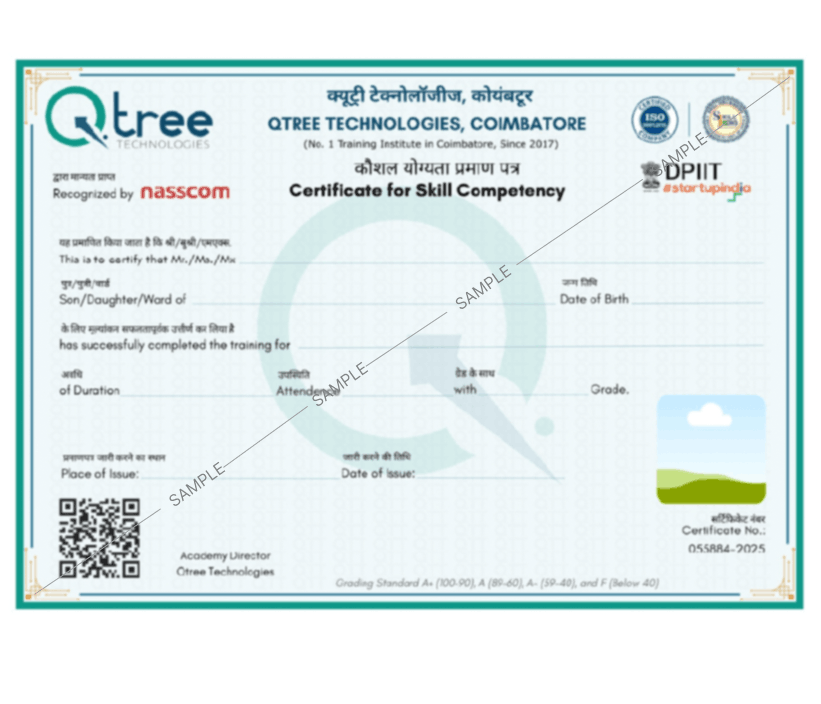
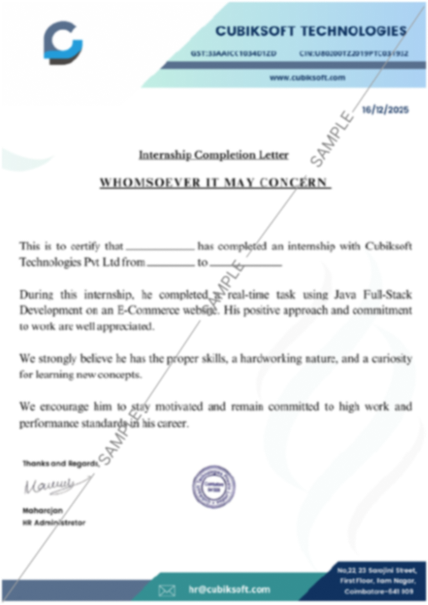
Registered and authorized course completion certificate with ISO standards and government recognition, available for lifetime verification.
Voices of Our Learners

Hiring Companies






























































FAQ for Data Analyst Training
Anybody with a zeal for Data Analytics can enroll at Qtree, even fresh graduates, working employees, and even people looking to shift their career. There is no prerequisite experience necessary to enroll, but knowledge of basic Excel and statistics would be beneficial.
After completing the course you are able to be employed with the following titles Data Analyst, Business Analyst, BI Developer, Data Scientist - Associate, or Market Analyst. The rise in industries such as IT, finance, healthcare and e-commerce will always need these experts.
Yes! We provide 100% placement assistance, including resume building, practice interviews, job recommendations, and corporate partnerships, to help students find jobs with top organisations.
We provide flexible batch times for both online and offline classes. With live instructor-led courses, real-time project, practical tasks.
Explore the Program in Detail
Get complete information about the course and career opportunities.